Best Free Productivity Apps in 2025 for Students and Professionals
In today’s fast-paced world, productivity apps have become essential for both students and professionals. While many premium tools exist, there are plenty of free options that deliver impressive features without breaking the bank. Whether you need to track your time, organize notes, manage tasks, or collaborate with teammates, the right app can transform the way you work.
Here are the 10 best free productivity apps in 2025 that can help you stay focused, organized, and efficient.
1. Obsidian – Knowledge Management with Markdown
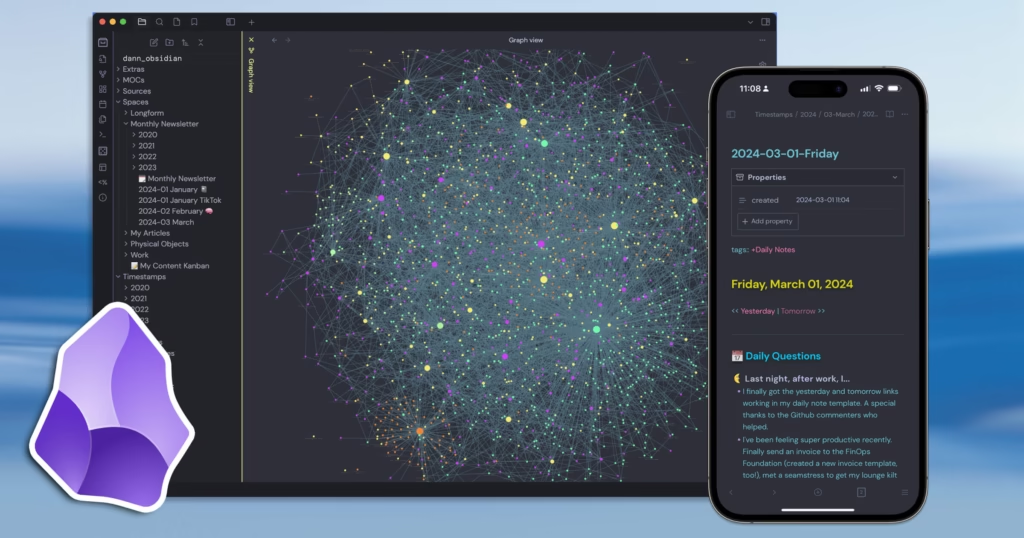
Obsidian is a powerful markdown-based note-taking tool that allows you to build a personal knowledge base. Students love it for organizing lecture notes, while professionals use it to manage research, projects, and workflows. With a clean interface and powerful linking system, Obsidian helps you connect ideas like a digital brain—all for free.
2. Joplin – Open-Source Note-Taking App
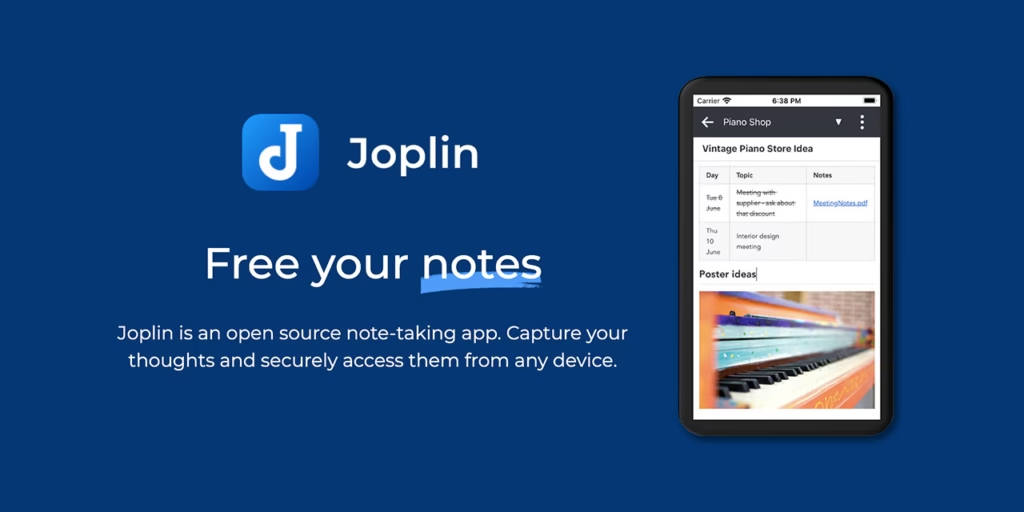
Joplin is a free, open-source note-taking and to-do app that works on desktop and mobile. It supports markdown, offline usage, and end-to-end encryption, making it ideal for users who want privacy. Students can take detailed notes, while professionals can manage projects without worrying about hidden costs.
3. Clockify – Free Time Tracking
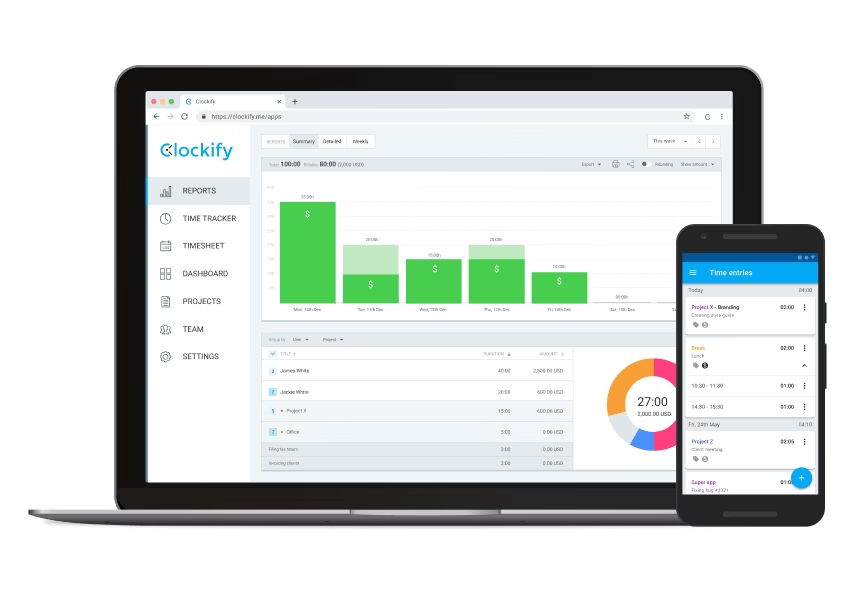
Clockify is one of the best free time-tracking apps available in 2025. It allows you to log work hours, track projects, and analyze productivity reports. Freelancers and professionals benefit from detailed reports, while students can use it to manage study sessions effectively.
4. Asana (Free Plan) – Task and Project Management
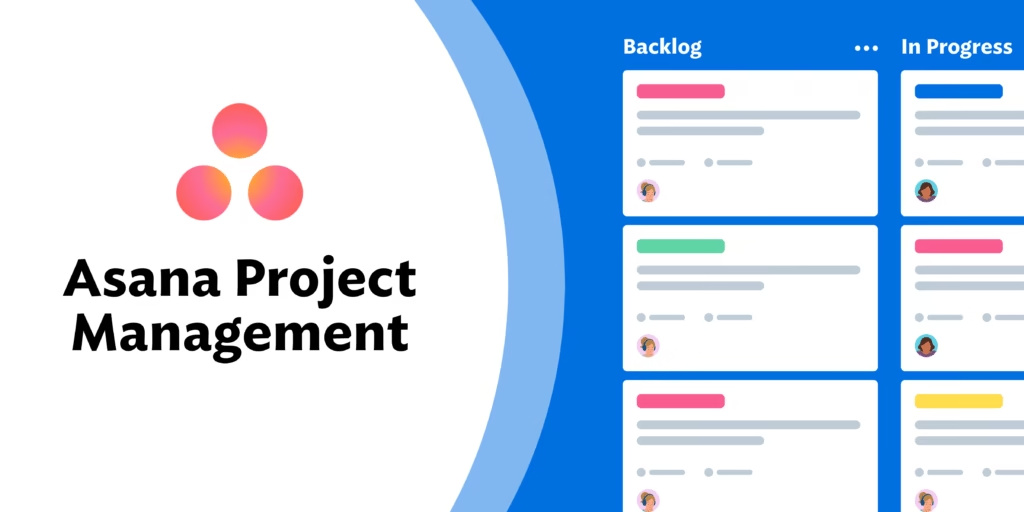
Asana’s free version is perfect for small teams and individuals looking to manage projects. With features like task assignments, due dates, and boards, Asana helps users stay on track. Students working on group projects and professionals managing small teams will find the free plan more than enough.
5. Zoho Notebook – Visual Note-Taking
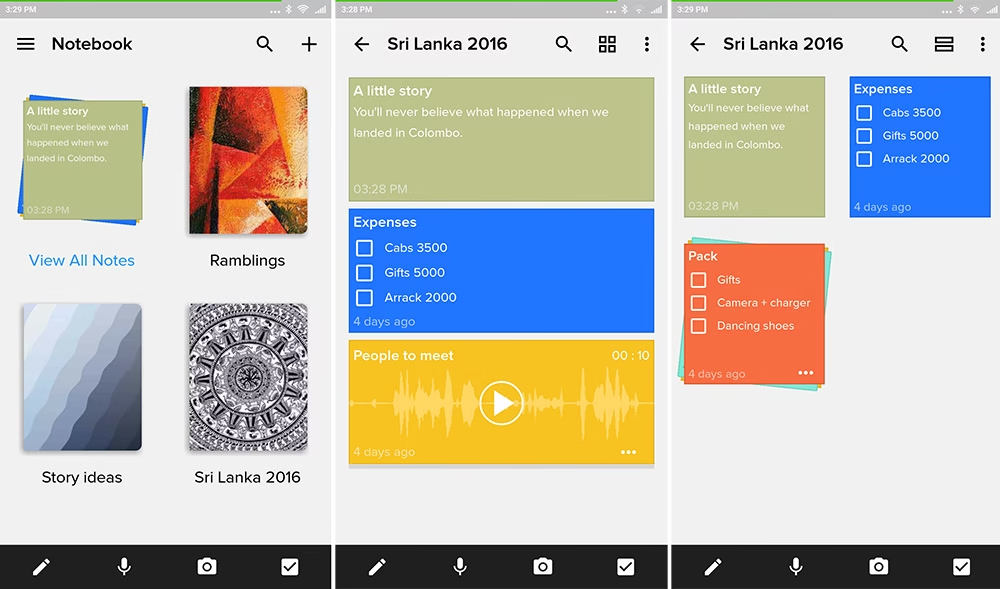
Zoho Notebook is a beautifully designed app for visual note-taking. Unlike traditional apps, it allows users to create multimedia notes, sketches, and checklists. It’s completely free and syncs across devices, making it a great alternative for those who want creative flexibility.
6. Slite (Free Plan) – Team Collaboration and Documentation
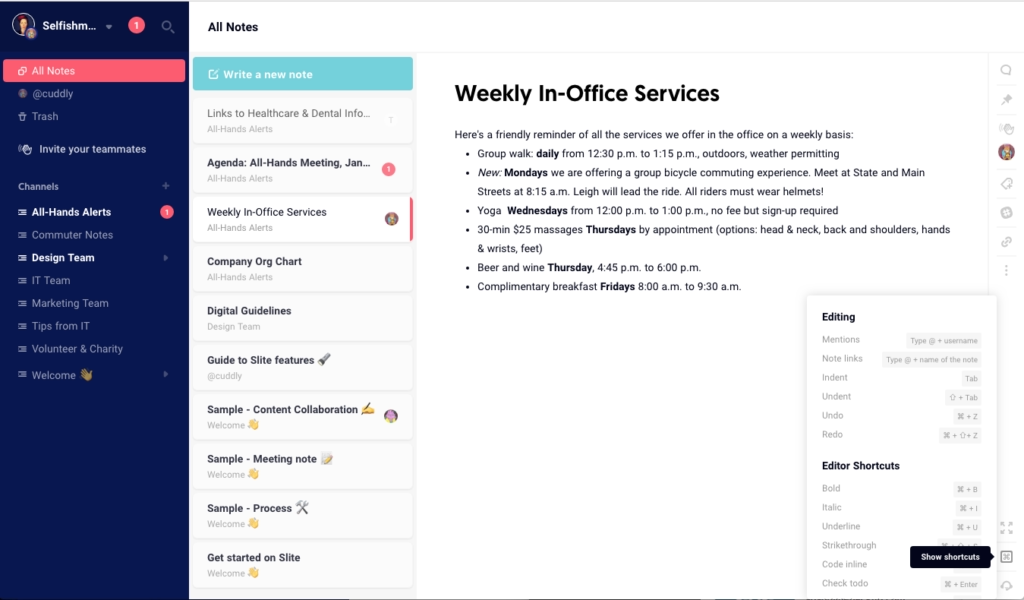
Slite is a collaboration tool designed for teams to share documents, notes, and knowledge bases. The free plan offers solid features for small groups, making it a great alternative to Notion or Confluence. It’s especially useful for startups and student project groups.
7. Nimbus Note – Evernote Alternative
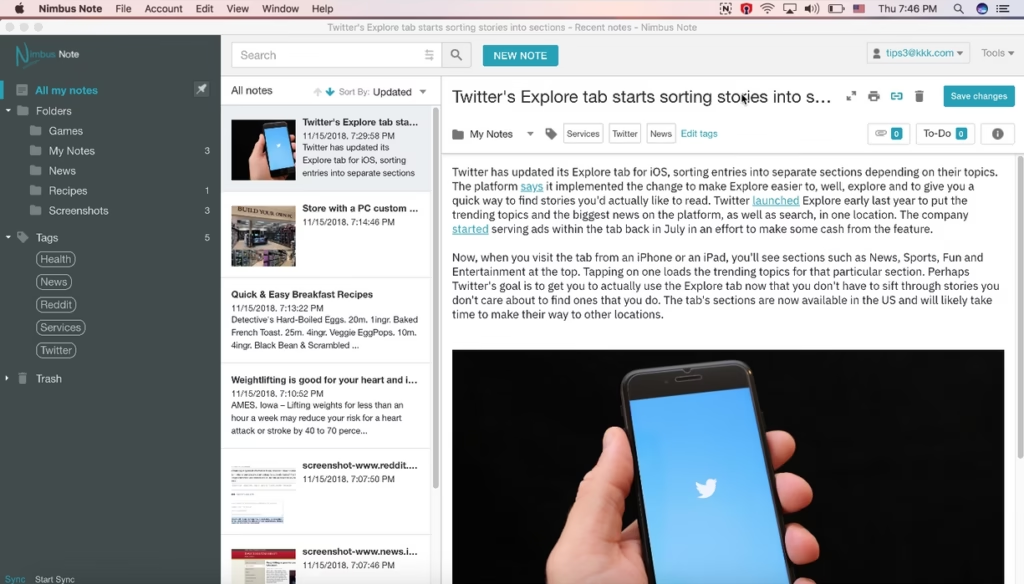
Nimbus Note is a versatile free app for organizing notes, documents, and tasks. It offers more customization than many competitors and works well for both personal and team productivity. For users who don’t want to pay for Evernote, Nimbus is an excellent alternative.
8. Kanboard – Open-Source Kanban Project Manager
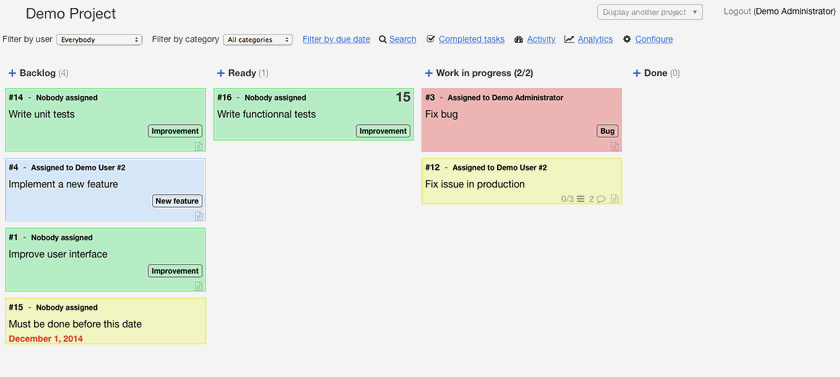
Kanboard is a free, open-source Kanban project management tool. It’s lightweight, simple, and highly customizable. Professionals looking for self-hosted solutions will appreciate its flexibility, while students can use it to manage assignments and deadlines visually.
9. Slack (Free Version) – Team Communication
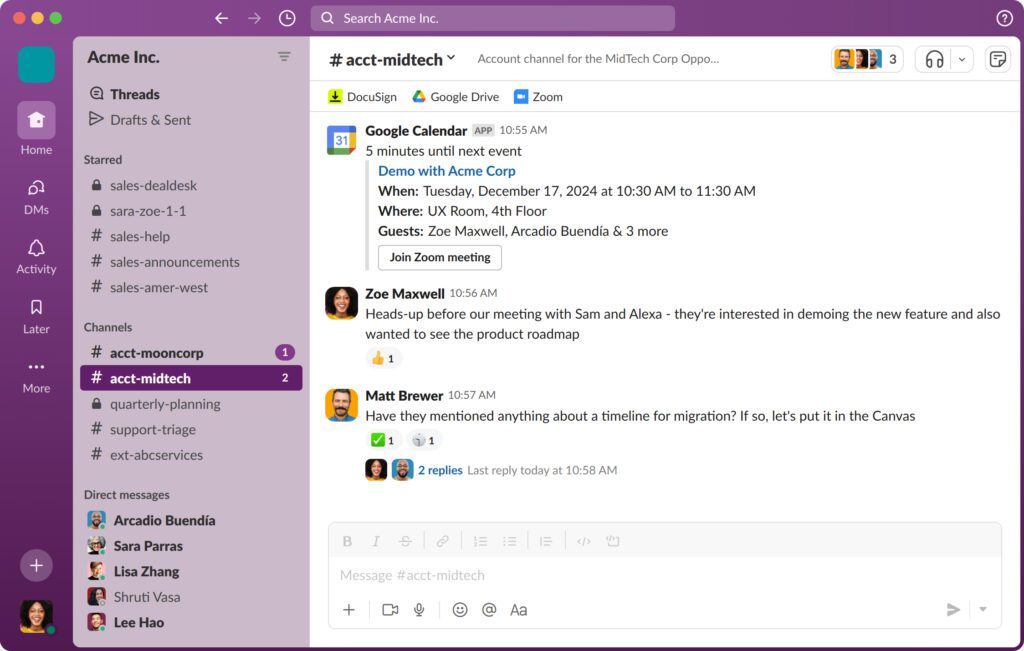
Slack’s free plan remains a popular choice in 2025 for team communication. While it has limitations compared to the paid version, it still offers channels, file sharing, and integrations. Students working on group projects and professionals collaborating remotely can stay connected efficiently.
10. Habitica – Gamified Productivity and Habits

Habitica turns productivity into a game. By completing tasks and building habits, users earn rewards and level up their avatars. This unique gamified approach motivates students to stick to study plans and helps professionals stay disciplined in daily routines.
Choosing the right productivity app depends on your needs. Whether you’re a student looking for note-taking tools or a professional managing projects and teams, these free productivity apps in 2025 provide powerful features without requiring a subscription. Try them out and see which ones boost your focus and efficiency the most.