
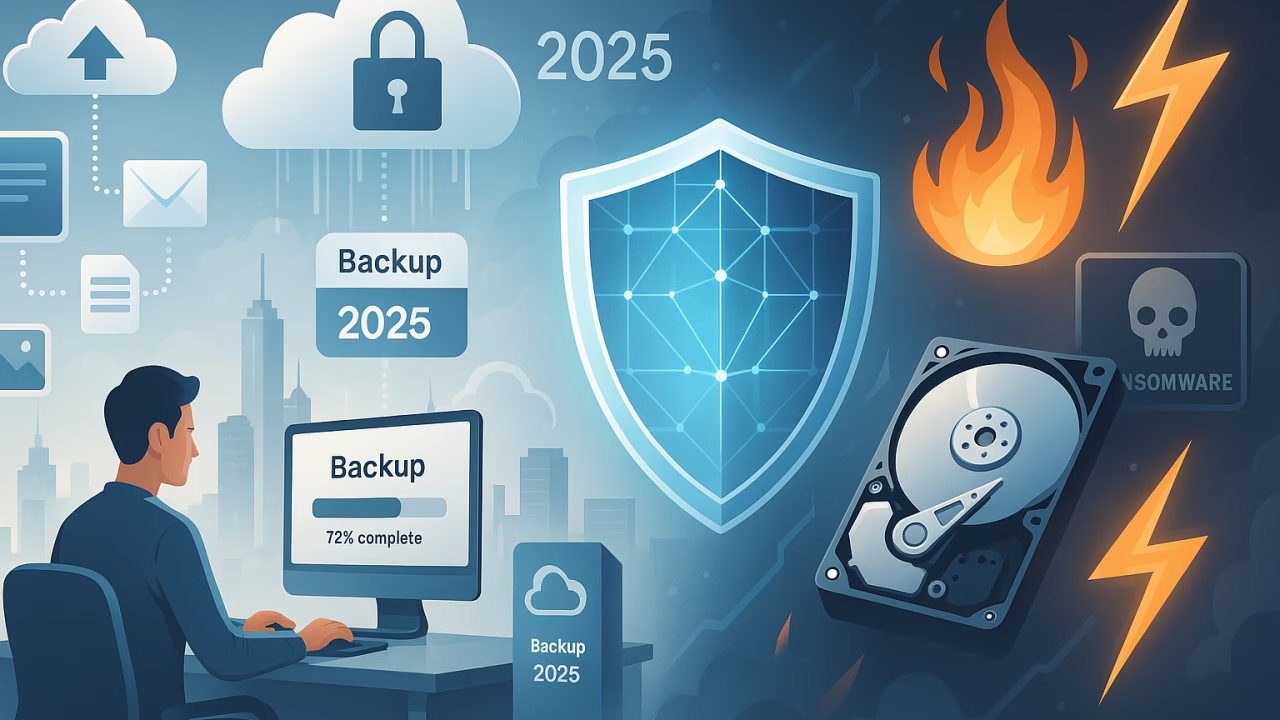
How to Back Up Your Data in 2025: Best Tools and Strategies
In 2025, data is the most valuable asset we own—both for individuals and businesses. From personal photos and documents to sensitive work files, losing data can be devastating. Cyberattacks, hardware failures, ransomware, or even accidental deletions can put your digital life at risk. That’s why having a reliable backup strategy is no longer optional, it’s essential.
This guide will walk you through the best tools and strategies to back up your data in 2025 so you can protect your files and ensure peace of mind.
Why Data Backup Matters in 2025
The digital landscape has changed dramatically over the past few years. Cybersecurity threats are evolving, cloud storage has become more affordable, and businesses are increasingly adopting hybrid work setups. Here’s why data backup is crucial in 2025:
- Ransomware attacks are rising. Hackers often encrypt files and demand payment to release them. Having a backup means you don’t need to pay.
- Hardware still fails. Even with modern SSDs and reliable servers, unexpected crashes can wipe your data.
- Human error is unavoidable. Accidental deletions happen more often than we think.
- Natural disasters or theft. Fires, floods, or stolen laptops can result in permanent data loss.
The bottom line: without backups, your files are always at risk.
The 3-2-1 Backup Rule
One of the most effective strategies in 2025 is still the classic 3-2-1 backup rule:
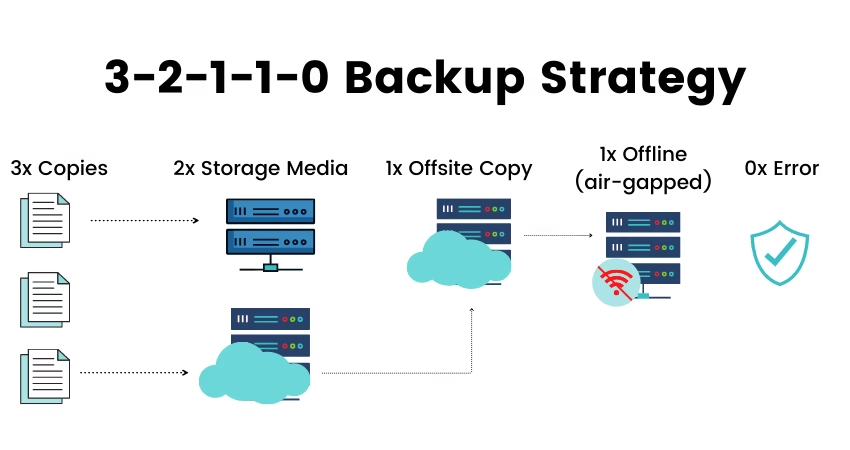
- 3 copies of your data – one primary copy and two backups.
- 2 different storage types – e.g., external hard drive + cloud.
- 1 copy offsite – stored in the cloud or at a different physical location.
This approach ensures redundancy and protection against multiple types of failure.
Best Tools to Back Up Your Data in 2025
Here are some of the most reliable tools and services for backing up data in 2025:
1. Cloud Backup Services
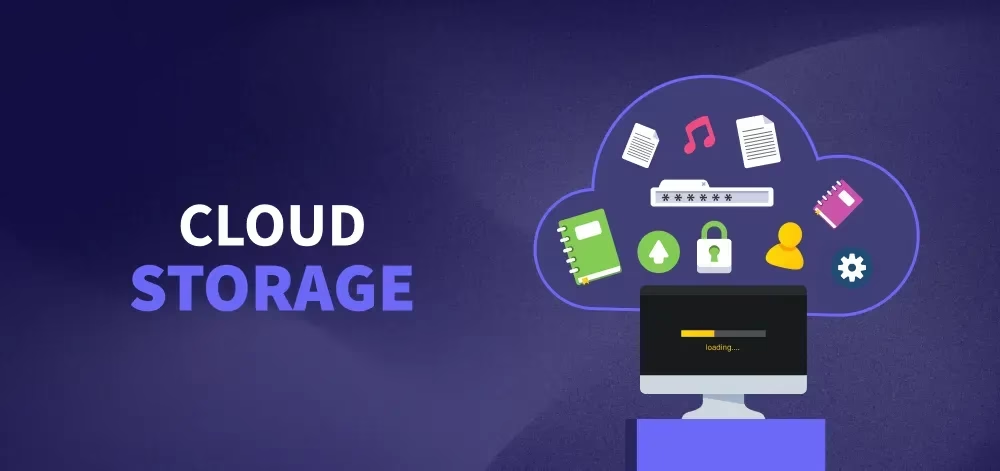
- Google Drive – Still one of the most popular for personal users. Offers 15GB free and integrates seamlessly with Docs, Sheets, and Gmail.
- Microsoft OneDrive – Perfect for Windows users, included in Office 365. Automatic syncing across devices.
- Apple iCloud+ – Ideal for iPhone and Mac users. Offers end-to-end encryption and seamless device backups.
- Backblaze – Affordable unlimited cloud backup for individuals. Works quietly in the background.
- Acronis Cyber Protect Home Office – Advanced backup with built-in cybersecurity features.
2. Network-Attached Storage (NAS)
For professionals or small businesses, NAS devices are a powerful option:
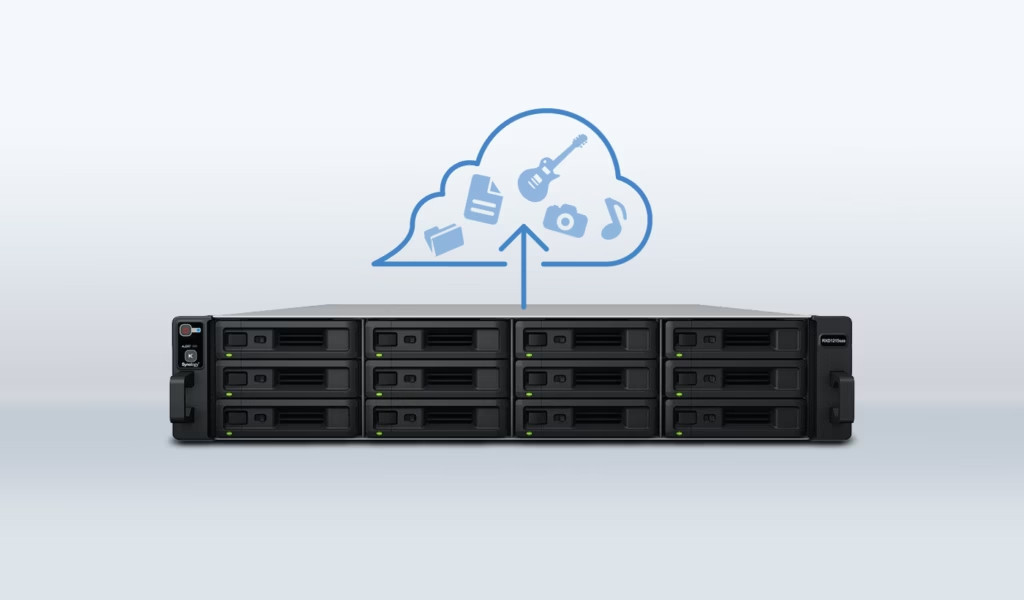
- Synology NAS – Great for managing large volumes of data with user-friendly apps.
- QNAP NAS – Known for speed, scalability, and advanced security features.
3. External Hard Drives & SSDs
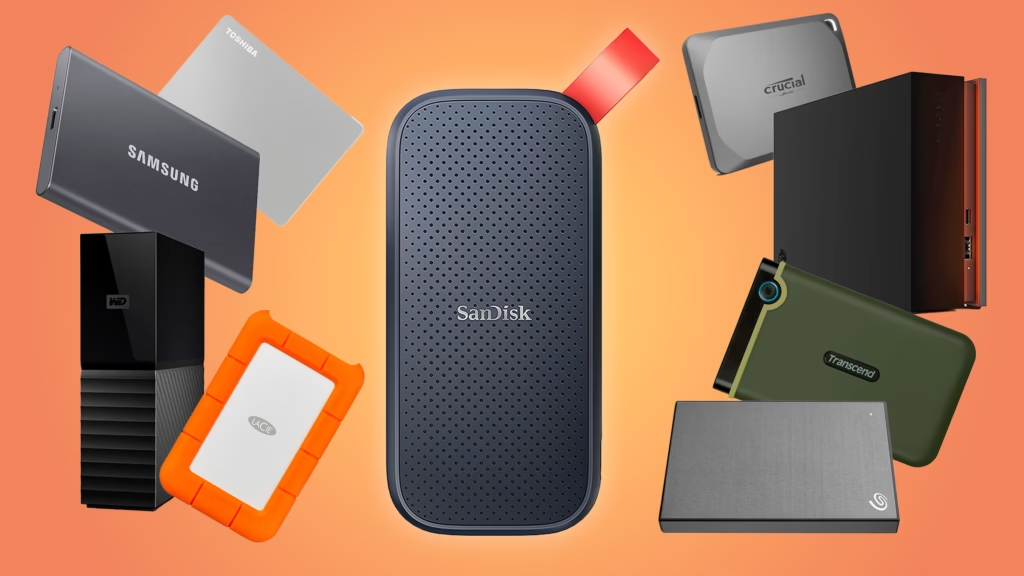
- Still useful for local backups. Portable SSDs like Samsung T7 Shield provide speed and durability.
- Pairing them with encryption software ensures data privacy.
Best Backup Strategies in 2025
Having tools isn’t enough—you also need a proper strategy. Here are some effective practices:
- Automate backups. Manual backups are often forgotten. Use software that schedules daily or weekly backups.
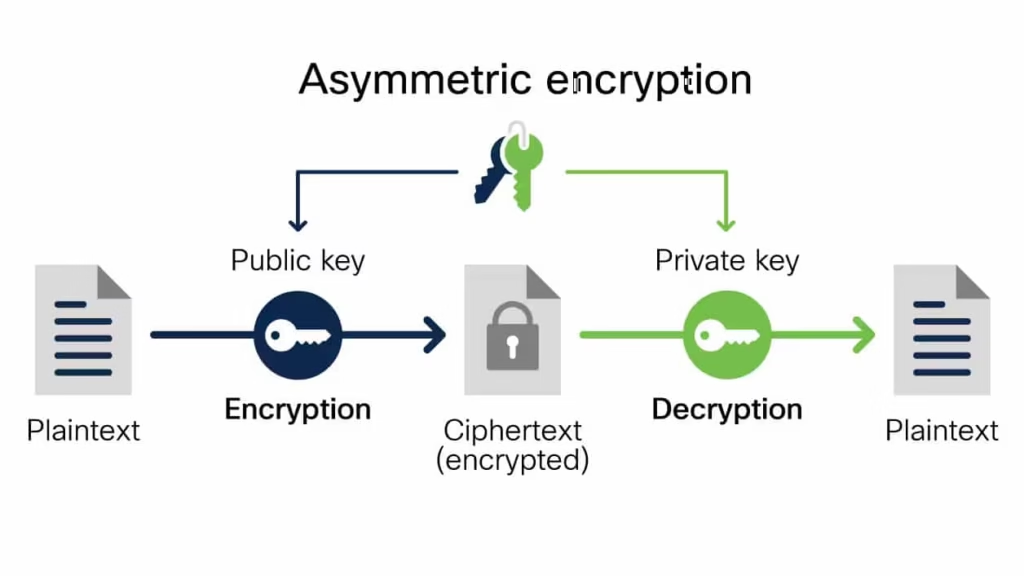
- Encrypt your backups. Whether in the cloud or on a hard drive, encryption ensures your files remain private.
- Test your recovery process. A backup is useless if you can’t restore it. Regularly test file recovery.
- Separate personal and work backups. This prevents overlap and ensures confidentiality.
- Use hybrid backups. Combine cloud and physical storage for maximum protection.
Step-by-Step Guide to Secure Backups
- Choose your main storage system – cloud, NAS, or external drive.
- Enable automatic backups – schedule them daily or weekly.
- Activate two-factor authentication on your cloud storage accounts.
- Encrypt sensitive files before uploading to the cloud.
- Keep at least one offline backup (external drive not always connected).
This layered approach ensures your data is safe from both cyber and physical threats.
Backing up your data in 2025 is about more than just storage—it’s about security, reliability, and accessibility. By following the 3-2-1 rule, choosing the right tools, and setting up automated encrypted backups, you can protect yourself from unexpected data loss.




One Comment