
Step-by-Step Guide: How to Secure Your Wi-Fi Network in 2025
Wi-Fi has become the backbone of modern life, connecting everything from laptops and smartphones to smart home devices and IoT gadgets. But as convenient as wireless connectivity is, it also comes with risks. In 2025, cybercriminals are using more advanced methods than ever to exploit weak Wi-Fi networks.
If your router isn’t properly secured, hackers can steal sensitive information, hijack your devices, or even use your network for illegal activities. The good news? Securing your Wi-Fi doesn’t have to be complicated. In this step-by-step guide, we’ll walk you through the most effective strategies to keep your network safe in 2025.
1. Change the Default Router Login Credentials
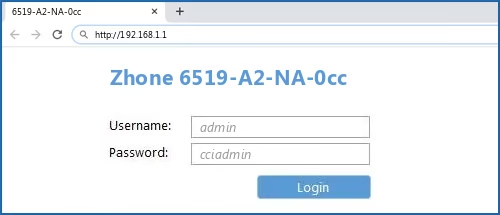
The first step is simple but often overlooked. Most routers come with default admin usernames and passwords that hackers can easily find online. Change these immediately to something strong and unique.
👉 Use a password manager to generate and store your new credentials safely.
2. Update Your Router Firmware Regularly
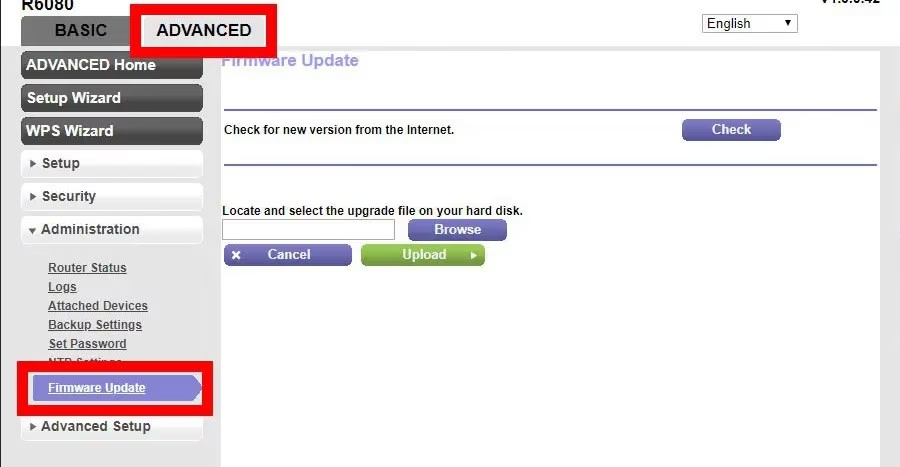
Just like your phone or computer, your router needs regular updates. Manufacturers release firmware patches to fix security vulnerabilities. Log into your router’s settings at least once a month and check for updates.
Some modern routers even allow automatic updates—enable this feature if available.
3. Use Strong Wi-Fi Encryption (WPA3)
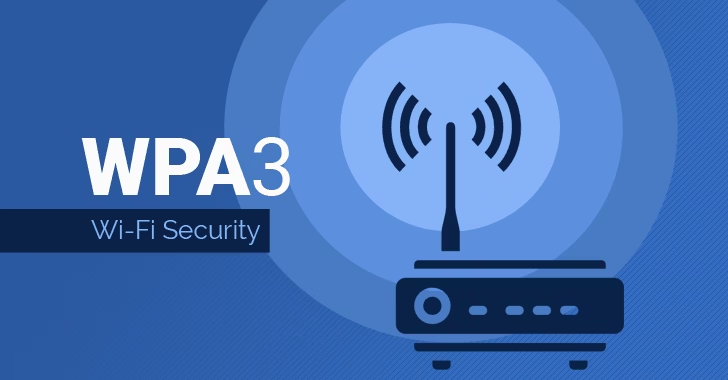
In 2025, WPA3 is the gold standard for Wi-Fi security. If your router only supports WPA2, consider upgrading to a newer device. Avoid outdated protocols like WEP or WPA, as they can be cracked in minutes.
4. Create a Strong and Unique Wi-Fi Password
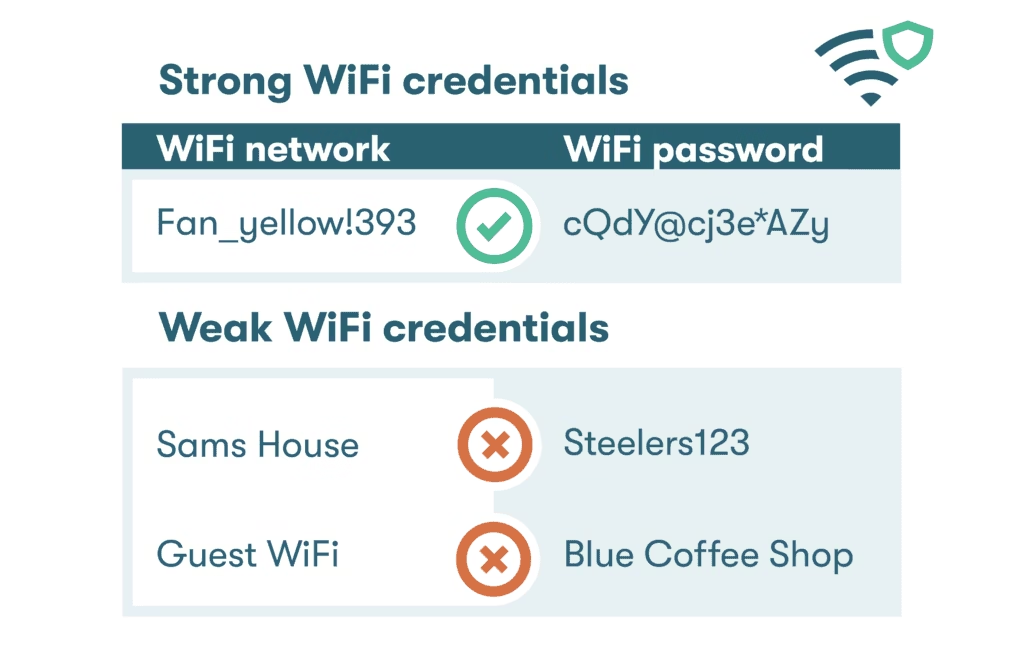
A weak Wi-Fi password is an open door for hackers. Use at least 16 characters with a mix of uppercase, lowercase, numbers, and symbols. Avoid personal information like birthdays or names.
👉 Example: T!m3T0S3cur3@2025
5. Set Up a Guest Network
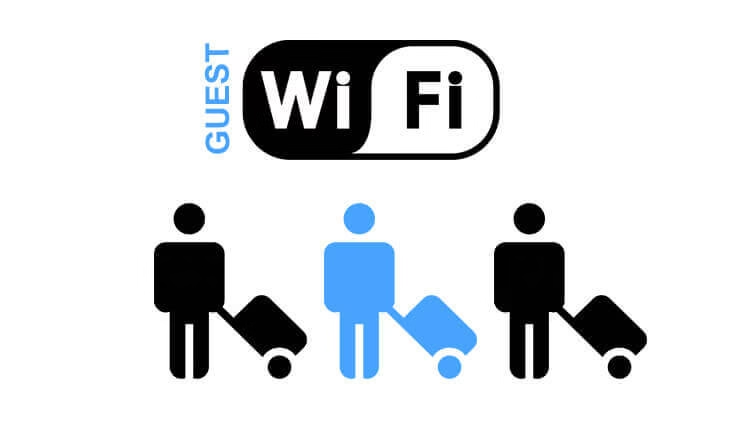
If friends or visitors need internet access, don’t share your main Wi-Fi password. Instead, create a separate guest network. This keeps your personal devices isolated from potentially infected devices.
6. Disable WPS (Wi-Fi Protected Setup)
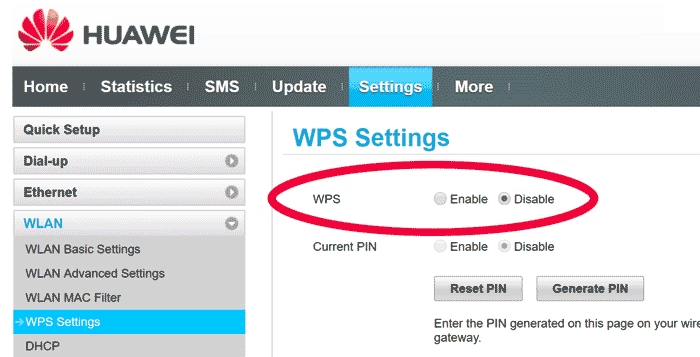
WPS was designed for convenience but is a major security risk in 2025. Hackers can exploit it to gain access to your network within minutes. Disable WPS in your router settings to close this loophole.
7. Hide Your SSID (Optional)
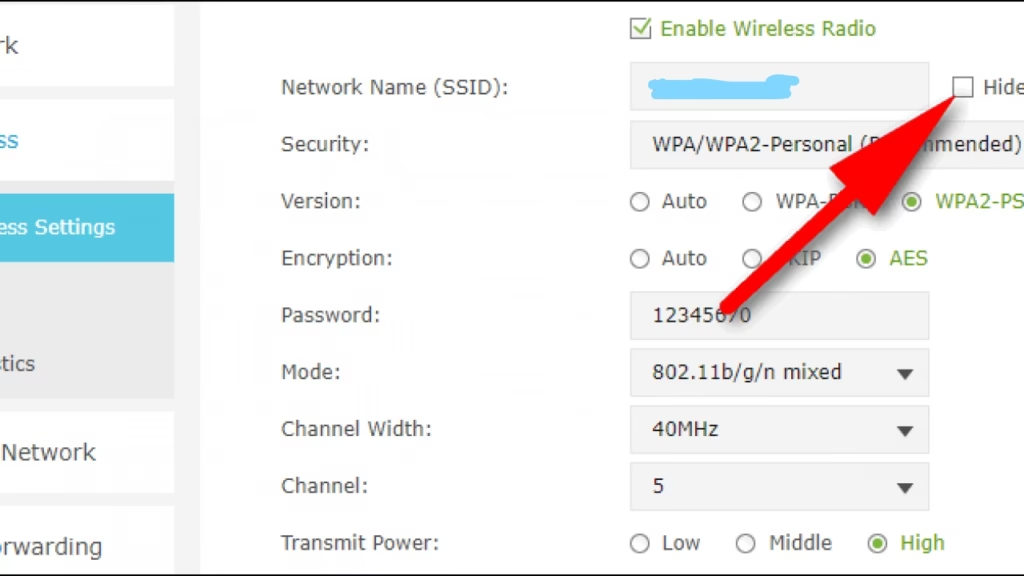
Broadcasting your Wi-Fi network name (SSID) makes it easier for attackers to find you. By hiding it, only people who know your SSID can connect. While not foolproof, it adds another layer of difficulty for hackers.
8. Limit Connected Devices and Monitor Activity
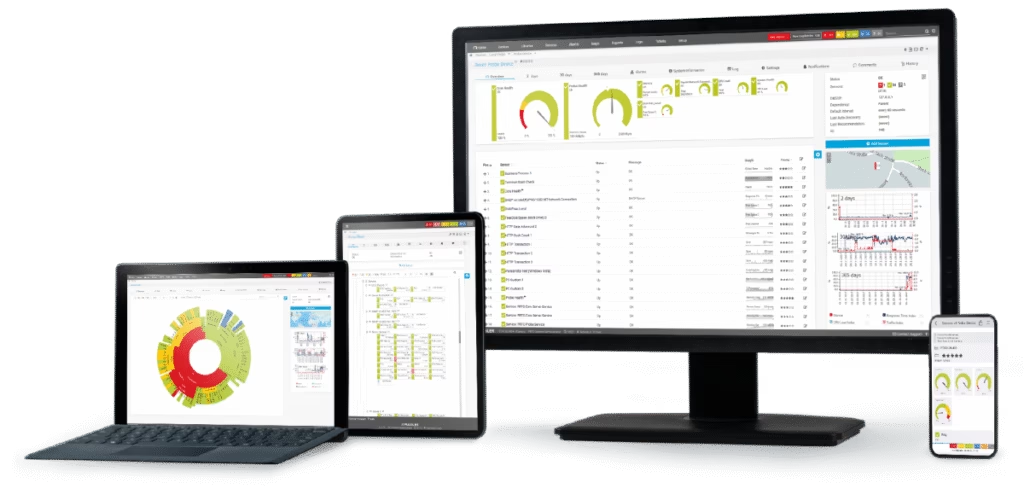
Routers in 2025 allow you to see which devices are connected. Regularly check for unknown devices. If you spot something suspicious, change your password immediately. Some routers even notify you when a new device joins.
9. Enable Network Firewalls and Security Features
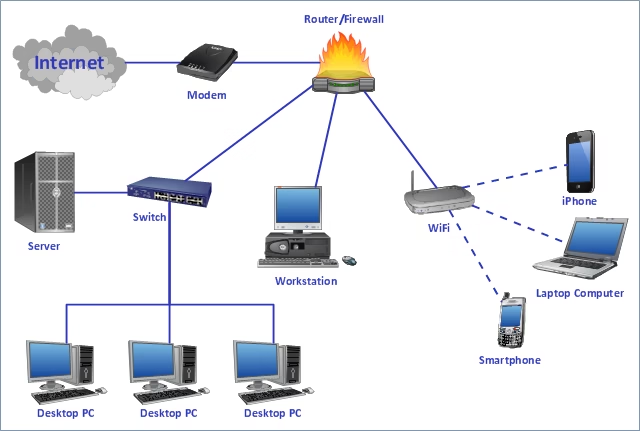
Most routers come with built-in firewalls and advanced security options. Turn these on to block malicious traffic. If you want extra protection, consider a dedicated hardware firewall or security software that integrates with your network.
10. Consider Using a VPN on Your Router
For maximum privacy, set up a Virtual Private Network (VPN) directly on your router. This encrypts traffic for all devices connected to your Wi-Fi, protecting you from data theft and ISP tracking.

Securing your Wi-Fi network in 2025 is more important than ever. Hackers are smarter, devices are more connected, and the risks are greater. But by following these simple steps—changing your credentials, enabling WPA3 encryption, setting strong passwords, creating guest networks, and using advanced tools like VPNs—you can stay one step ahead.
Think of your Wi-Fi router as the digital front door to your home. Would you leave it unlocked? With these strategies, you’ll keep your data safe, your devices protected, and your peace of mind intact.
💡 Recommended Products:
- Wi-Fi 6 Router with Auto Updates – Fast, secure, and keeps your network up-to-date automatically.
- Smart Home Security Hub – Manage all your IoT devices securely from a single hub.
📢 Note: Some of the links in this post are affiliate links. If you purchase through them, I may earn a small commission at no extra cost to you.