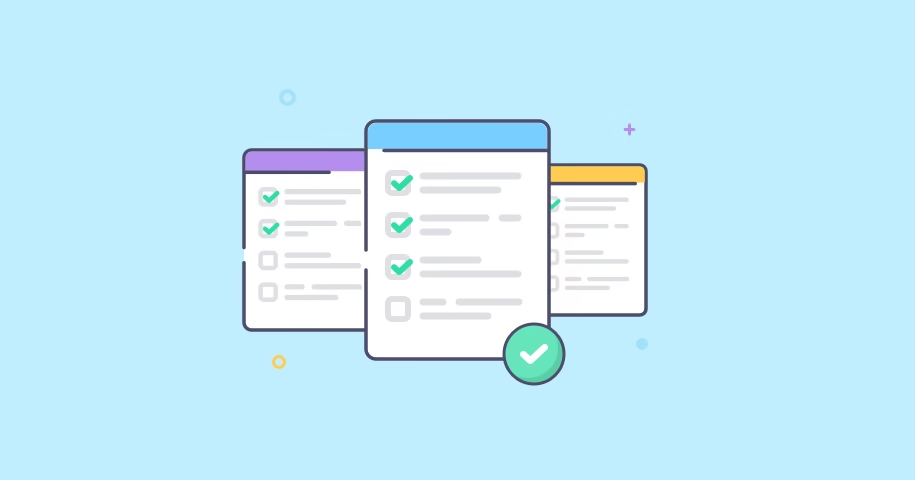
Best To-Do List Apps for Staying on Track
In today’s busy world, it’s easy to feel overwhelmed by the endless tasks, deadlines, and responsibilities that pile up every day. From work projects and study assignments to personal goals and shopping lists, managing everything in your head can quickly become stressful. This is where to-do list apps come in. They don’t just keep track of your tasks—they help you prioritize, plan ahead, and stay motivated.
Unlike traditional paper lists, modern apps offer advanced features like recurring reminders, calendar integrations, collaboration tools, and even habit tracking. Whether you’re a student trying to stay on top of exams, a professional managing multiple projects, or someone who simply wants to organize daily life, there’s an app tailored for you.
In this guide, we’ll explore the best to-do list apps in 2025, covering their strengths, weaknesses, and who they’re most suitable for. By the end, you’ll have a clearer idea of which app can transform your productivity and help you stay consistently on track.
1. Todoist – The Productivity Powerhouse
Todoist is one of the most popular to-do list apps, praised for its clean interface and powerful task management features. With natural language input (“submit report tomorrow at 10am”), priority levels, and recurring tasks, it makes organization seamless.
- Best for: Professionals, freelancers, and teams
- Key features: Project organization, labels, productivity tracking (Karma system), integrations with Google Calendar, Slack, and Outlook
- Platforms: iOS, Android, Windows, Mac, Web
2. Microsoft To Do – Simple and Free
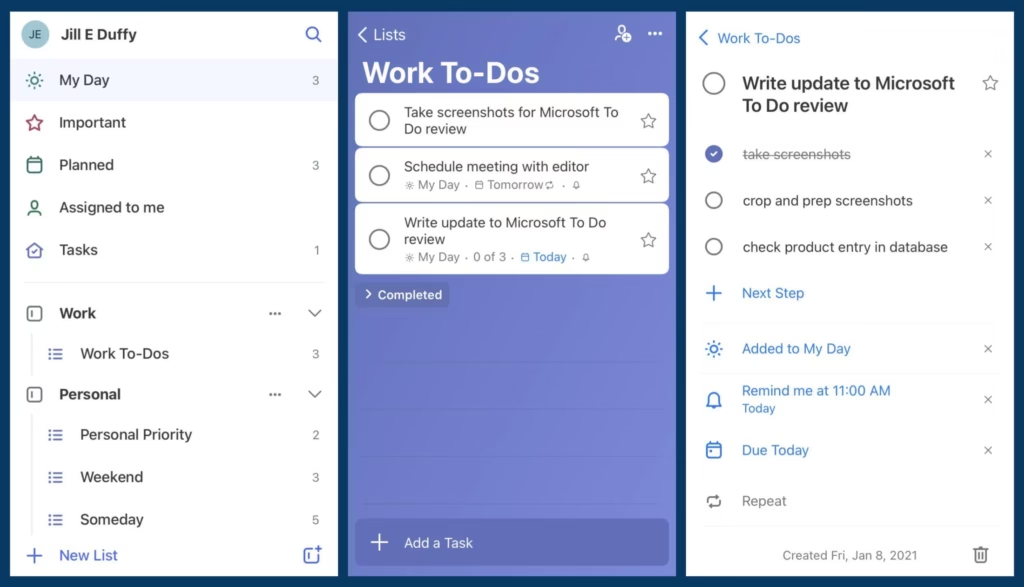
If you want a free, easy-to-use option, Microsoft To Do is a strong choice. It integrates directly with Outlook, making it great for those who are already in the Microsoft ecosystem.
- Best for: Students and professionals using Microsoft tools
- Key features: Daily planner (“My Day”), shared lists, recurring reminders, Outlook task sync
- Platforms: iOS, Android, Windows, Web
3. TickTick – Flexible and Feature-Rich
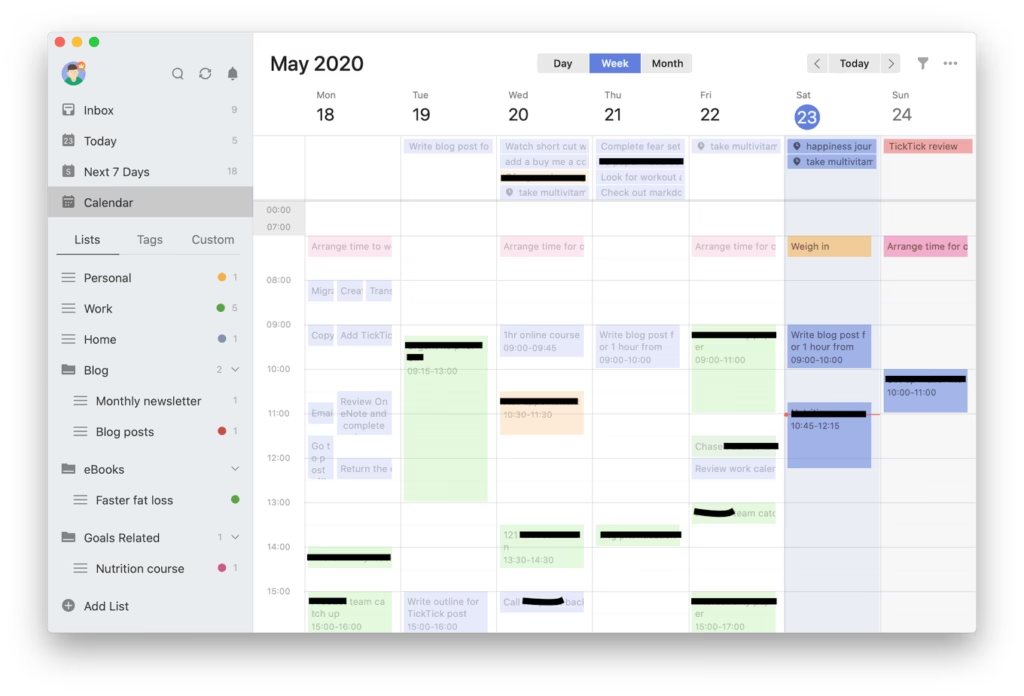
TickTick combines a simple to-do list with advanced features like habit tracking and built-in calendars. It also supports the Pomodoro timer, making it ideal for productivity enthusiasts.
- Best for: Users who want both task management and habit tracking
- Key features: Calendar view, Pomodoro timer, smart lists, voice input
- Platforms: iOS, Android, Windows, Mac, Web
4. Any.do – Task Management with a Personal Touch
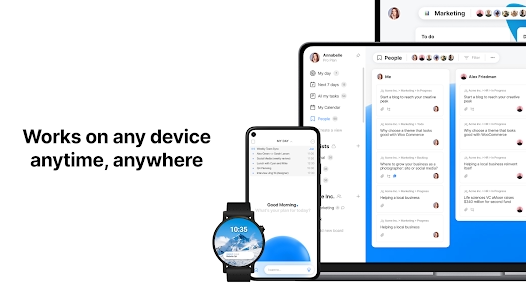
Any.do is known for its elegant design and intuitive interface. It helps users organize tasks, reminders, and even groceries in one app. The daily “Plan My Day” feature is especially useful for staying focused.
- Best for: Users who like a simple yet stylish interface
- Key features: Cross-platform sync, smart reminders, calendar integration, daily planning
- Platforms: iOS, Android, Windows, Mac, Web
5. Google Tasks – Minimal and Integrated
Google Tasks is a lightweight app that works seamlessly with Gmail and Google Calendar. While it lacks some advanced features, it’s perfect for users who want a minimal, straightforward solution.
- Best for: Google ecosystem users who prefer simplicity
- Key features: Gmail task integration, Google Calendar sync, sub-tasks
- Platforms: iOS, Android, Web
6. Notion – More Than Just a To-Do List
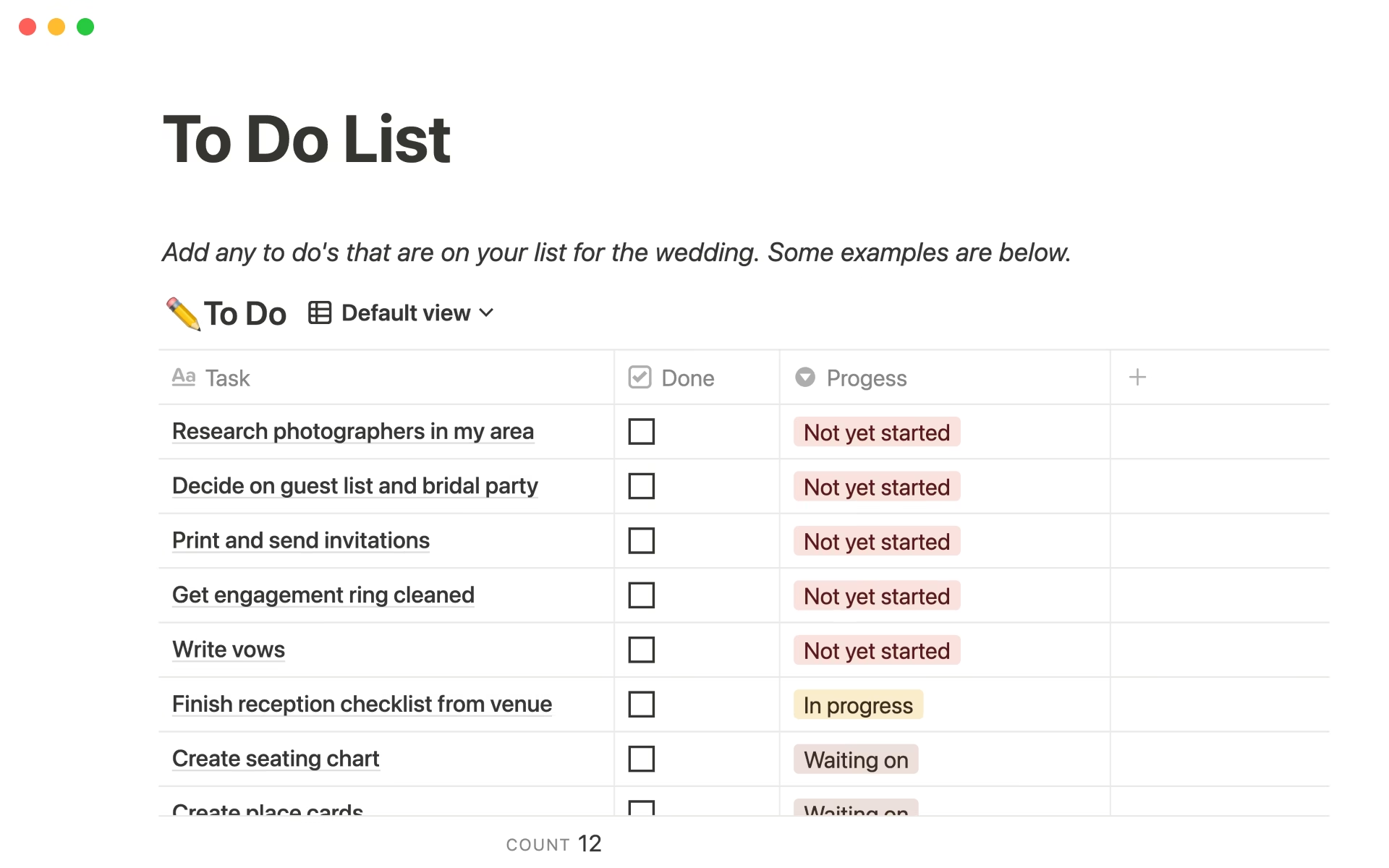
Notion is not a traditional to-do list app—it’s an all-in-one productivity platform. However, it offers powerful task management features through customizable databases and templates.
- Best for: Users who want a flexible workspace combining notes, tasks, and projects
- Key features: Custom templates, kanban boards, team collaboration, integrations
- Platforms: iOS, Android, Windows, Mac, Web
How to Choose the Right To-Do List App
When deciding which app to use, consider these factors:
- Ease of use: Do you need a simple app or advanced features?
- Integrations: Does the app work with the tools you already use?
- Collaboration: Do you need to share tasks with a team or just manage personal goals?
- Budget: Some apps are free, while others offer premium features for a subscription.
With so many excellent to-do list apps in 2025, staying organized has never been easier. From the simplicity of Google Tasks to the power of Todoist and flexibility of Notion, there’s an app for every need and lifestyle.
Start by trying out one or two apps from this list, and find the tool that best supports your goals. The right app will not only help you stay on track but also improve focus, reduce stress, and boost overall productivity.



One Comment