
10 Simple Ways to Protect Yourself from Ransomware
Ransomware attacks have become one of the most common and dangerous cybersecurity threats in 2025. Millions of users and businesses are affected every year by malicious software that encrypts their files and demands payment for their release. The good news is that protecting yourself from ransomware doesn’t require advanced technical knowledge. By adopting some simple habits and tools, you can significantly reduce your risk. Here are 10 simple ways to keep your data safe and secure.
1. Keep Your Software Up to Date
Keeping your operating system, apps, and antivirus software updated is one of the most effective ways to protect yourself from ransomware. Hackers often exploit vulnerabilities in outdated software to gain access to your device. Enabling automatic updates ensures that security patches are applied promptly, reducing the chances of infection. Remember, even minor updates can fix critical security holes that cybercriminals look for.
2. Use Strong, Unique Passwords
Weak or reused passwords make it easier for cybercriminals to access your accounts. Use complex passwords with a mix of uppercase letters, lowercase letters, numbers, and special characters. A password manager can help generate and store strong passwords for every account, eliminating the need to remember dozens of them while keeping your login credentials secure.
3. Enable Two-Factor Authentication (2FA)
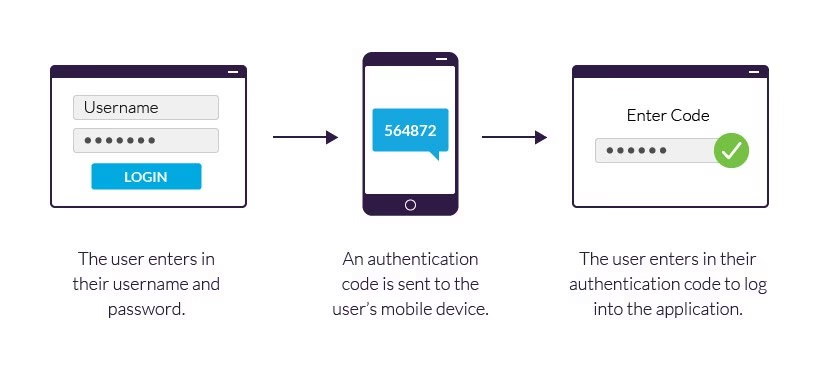
Two-factor authentication adds an extra layer of security. Even if a hacker obtains your password, they won’t be able to access your account without the second verification step. Enable 2FA on important accounts like email, cloud storage, and online banking. This simple measure can prevent ransomware attackers from easily compromising your devices.
4. Backup Your Data Regularly

Regular backups are crucial for ransomware protection. Store copies of important files in multiple locations, such as an external hard drive and a secure cloud service. In case of an attack, you can restore your files without paying the ransom. Consider automating backups to ensure nothing is missed, and test your backups periodically to make sure they work correctly.
5. Be Wary of Suspicious Emails
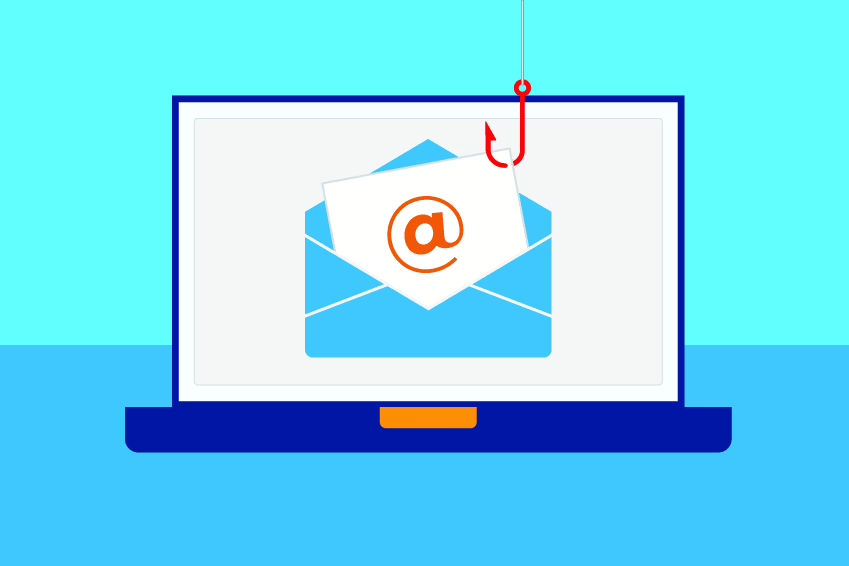
Phishing emails are a common method for spreading ransomware. Avoid opening attachments or clicking links from unknown or suspicious senders. Look for red flags such as poor grammar, unusual urgency, or email addresses that don’t match the claimed sender. Educating yourself on common phishing tactics can drastically reduce your risk of infection.
6. Avoid Untrusted Downloads
Downloading software or files from unverified sources is risky. Only download apps from official websites or trusted app stores. Pirated software, cracked games, or free downloads from suspicious websites often contain ransomware. Ensuring that your downloads are safe is a critical step to protect your devices and personal data.
7. Use Antivirus and Anti-Malware Software
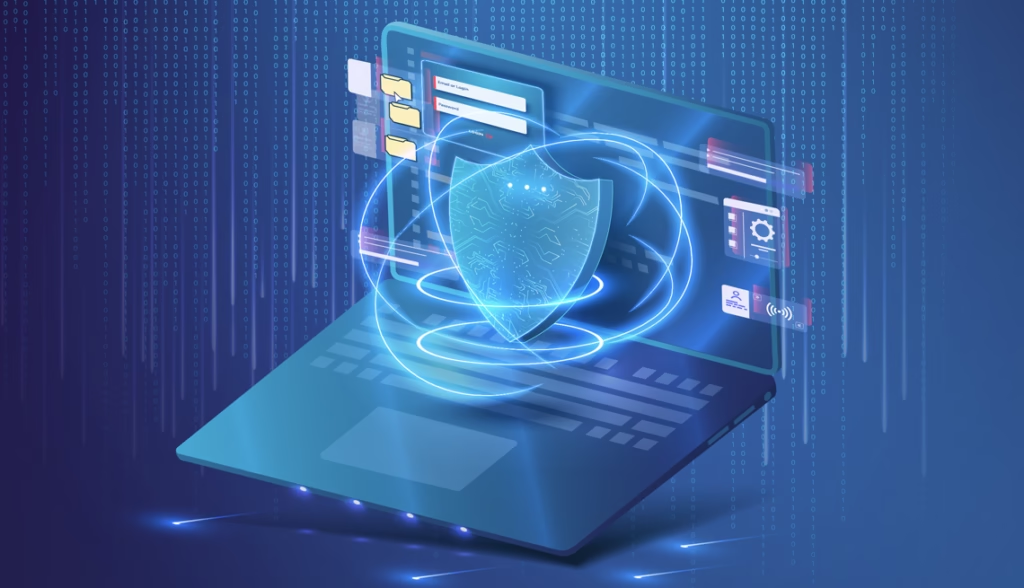
eliable antivirus and anti-malware software can detect and block ransomware before it causes damage. Make sure your security software is always active and up-to-date. Advanced security suites can monitor suspicious behavior, prevent unauthorized file encryption, and even alert you to potential ransomware attacks before they spread.
For example, Bitdefender is one of the most trusted antivirus solutions in 2025. It offers real-time protection against ransomware, phishing, and malware, with advanced threat detection powered by AI. Using a reputable tool like Bitdefender not only protects your files but also ensures your personal data remains secure.
8. Limit User Privileges
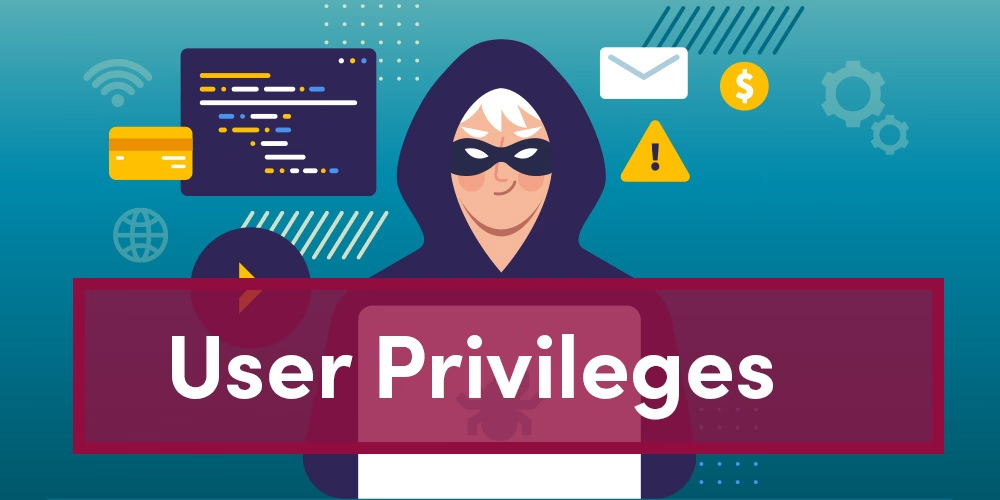
Ransomware spreads faster on accounts with administrative privileges. Using standard user accounts for daily activities limits what malware can do if your device becomes infected. Only use admin accounts when necessary, which helps contain any potential ransomware attack and prevent widespread file encryption.
9. Disconnect from the Internet When Needed
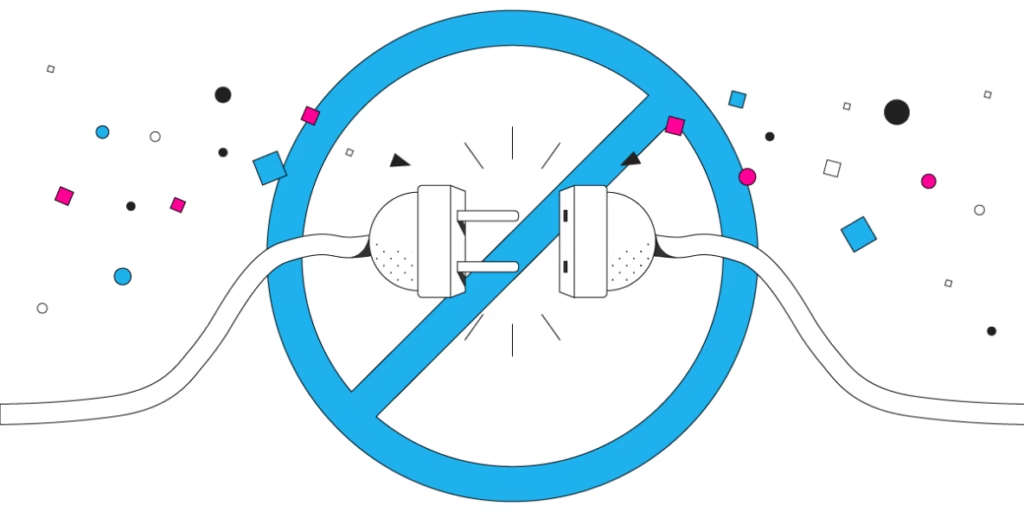
If you suspect a ransomware infection, immediately disconnect your device from the internet. This prevents the malware from communicating with its command server and spreading to other devices. Acting quickly can minimize the damage and give you time to restore your backups safely.
10. Educate Yourself and Others
Awareness is one of the strongest defenses against ransomware. Stay informed about the latest threats, scams, and attack methods. Share this knowledge with family, friends, and colleagues. Teaching safe online habits and cybersecurity basics reduces the risk of human error, which is often the weakest link in ransomware attacks.

Conclusion:
Protecting yourself from ransomware in 2025 is easier than many think. By following these 10 simple steps—updating software, using strong passwords, enabling 2FA, backing up data, avoiding suspicious emails and downloads, and staying educated—you can significantly reduce the risk of falling victim to ransomware attacks. Stay proactive, stay informed, and keep your digital life safe.



One Comment