
How to Automate Your Daily Tasks with Productivity Apps in 2025
Why Automate Your Tasks in 2025?

In 2025, productivity apps have become smarter and more intuitive than ever before. Daily routines, repetitive tasks, and mundane administrative work can consume hours if handled manually. By automating these processes, you not only save time but also reduce stress and increase overall efficiency. Whether you’re a professional, student, or entrepreneur, automation tools can free up mental bandwidth, allowing you to focus on higher-value activities. From AI-powered scheduling assistants to workflow automation platforms, the opportunities to streamline your day are immense.
Step 1: Automate Your Calendar and Scheduling
Scheduling meetings and reminders can eat up valuable time. Apps like Google Calendar, Microsoft Outlook, and Notion AI can automatically suggest meeting times, send reminders, and even block focus hours. By setting up rules and filters, you can automatically sort newsletters, client emails, or notifications into specific folders. This not only saves time but also helps maintain a clean and organized inbox, making sure important communications don’t get lost.
Step 2: Automate Your Emails and Communications
Email management is another area where automation shines. Tools like Gmail Smart Compose, Superhuman, and Spark allow you to automate responses, categorize incoming messages, and highlight urgent emails. By setting up rules and filters, you can automatically sort newsletters, client emails, or notifications into specific folders. This not only saves time but also helps maintain a clean and organized inbox, making sure important communications don’t get lost.
Step 3: Automate Repetitive Workflows
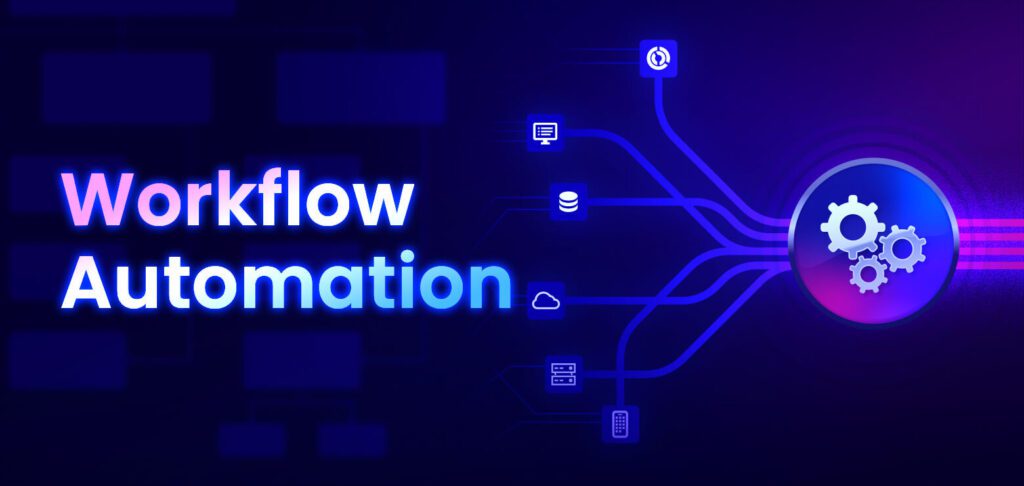
Repetitive workflows, like transferring files, updating spreadsheets, or posting social media content, can now be automated with platforms like Zapier, IFTTT, and Microsoft Power Automate. For instance, you can configure a workflow that automatically saves email attachments to your cloud storage or updates a project management board when a form is submitted. These automations reduce manual effort, eliminate errors, and allow you to focus on tasks that require creativity and critical thinking.
Step 4: Use AI to Enhance Task Management
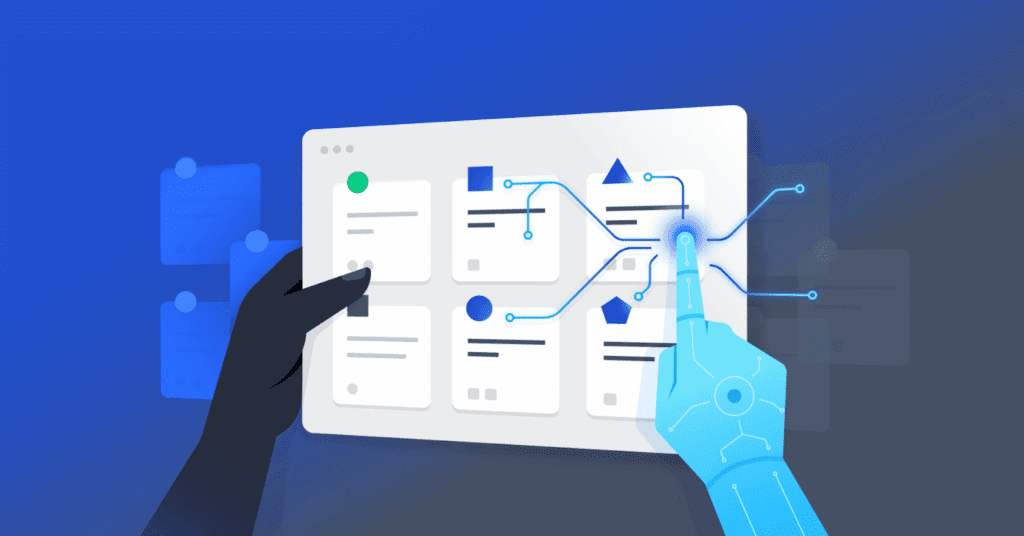
Modern productivity apps such as Notion AI, ClickUp, and Todoist use AI to prioritize tasks, suggest deadlines, and even predict the time required for completion. These tools provide actionable insights based on your habits and project history. For example, AI can recommend moving low-priority tasks to later dates or suggest breaking down complex projects into manageable steps. This proactive approach to task management ensures you meet deadlines while avoiding burnout.
Step 5: Automate Personal Routines

Automation isn’t only for work. Apps like IFTTT can help automate personal routines, like:
- Turning off lights when leaving home
- Syncing your fitness data automatically
- Sending reminders for bills and subscriptions
By integrating personal and professional automation, you can free up mental space and focus on what matters most.
Start Automating Today
Automation is the key to smarter work and living in 2025. By leveraging productivity apps to automate scheduling, emails, workflows, and personal routines, you save time, reduce stress, and enhance overall productivity. Start small by automating a few simple tasks, then gradually expand to more complex workflows. Over time, you’ll notice significant improvements in efficiency, focus, and work-life balance. Embrace automation today and make technology work for you rather than the other way around.



4 Comments